Create Amazing MetaHuman Renders in Blender
Import MetaHumans into Blender with Character Assembly: render-ready materials, Geometry Nodes hair simulation with XPBD, and 3.7x faster OpenRigLogic evaluation.
Good day, folks! We have been hard at work and have some exciting updates to share with you. But first, let's rewind a bit and explain how we got here.
A year ago, if you wanted to calibrate MetaHuman DNA or create custom MetaHumans, your only option was Maya. We set out to give Blender first-class support and a full 1-to-1 integration of RigLogic, the MetaHuman runtime. Our goal was to let you edit expressions and RBFs and perform complex DNA calibration operations in your favorite 3D app: Blender. That mission became the Character DNA addon.
We kept receiving questions about how to set up MetaHumans and their hair in Blender, and how to prepare materials for rendering cinematics. We are still in the final stages of the Character DNA beta, with more exciting features on the way (more on that later). Alongside that work, we wanted to build what we believe is the simplest MetaHuman cinematic pipeline ever.
Assembling a MetaHuman in Blender from close to a hundred separate files, working with specialized file formats, and integrating the rig's runtime evaluation system are only part of the job. Extracting the right groom data from Unreal requires a custom Alembic exporter. Bringing everything together means combining DNA, Alembic curves, clothing, textures, material graphs, and physics in a way that Blender understands.
We built the Character Assembly Addon to turn that preparation into a two-click workflow: export your MetaHuman from Unreal Engine, then drag the exported manifest into Blender.
How to Import MetaHumans into Blender
Start with the free Character DNA addon for MetaHumans in Blender installed and enabled in Blender. Character Assembly uses it for head and body DNA imports as well as MetaHuman rig evaluation. The data transfer takes two steps:
- Export from your MetaHuman Blueprint using our
FREE Poly Hammer Interchange plugin for Unreal Engine.
It gathers the MetaHuman's DNA, grooms, clothing, props, and textures into an export
folder and writes a
CharacterAssemblyManifest.jsonfile alongside them. - Drag and drop that manifest into Blender. Character Assembly reads it and pulls in the separate components: head and body from DNA, grooms from Alembic, and the outfit from FBX. You do not need to author the manifest or import each component by hand.
The manifest connects the exported pieces into one assembly operation. That matters when your character consists of dozens of assets that all need to end up on the same rig.
Render MetaHumans in Blender: Materials, Lighting, and Cameras
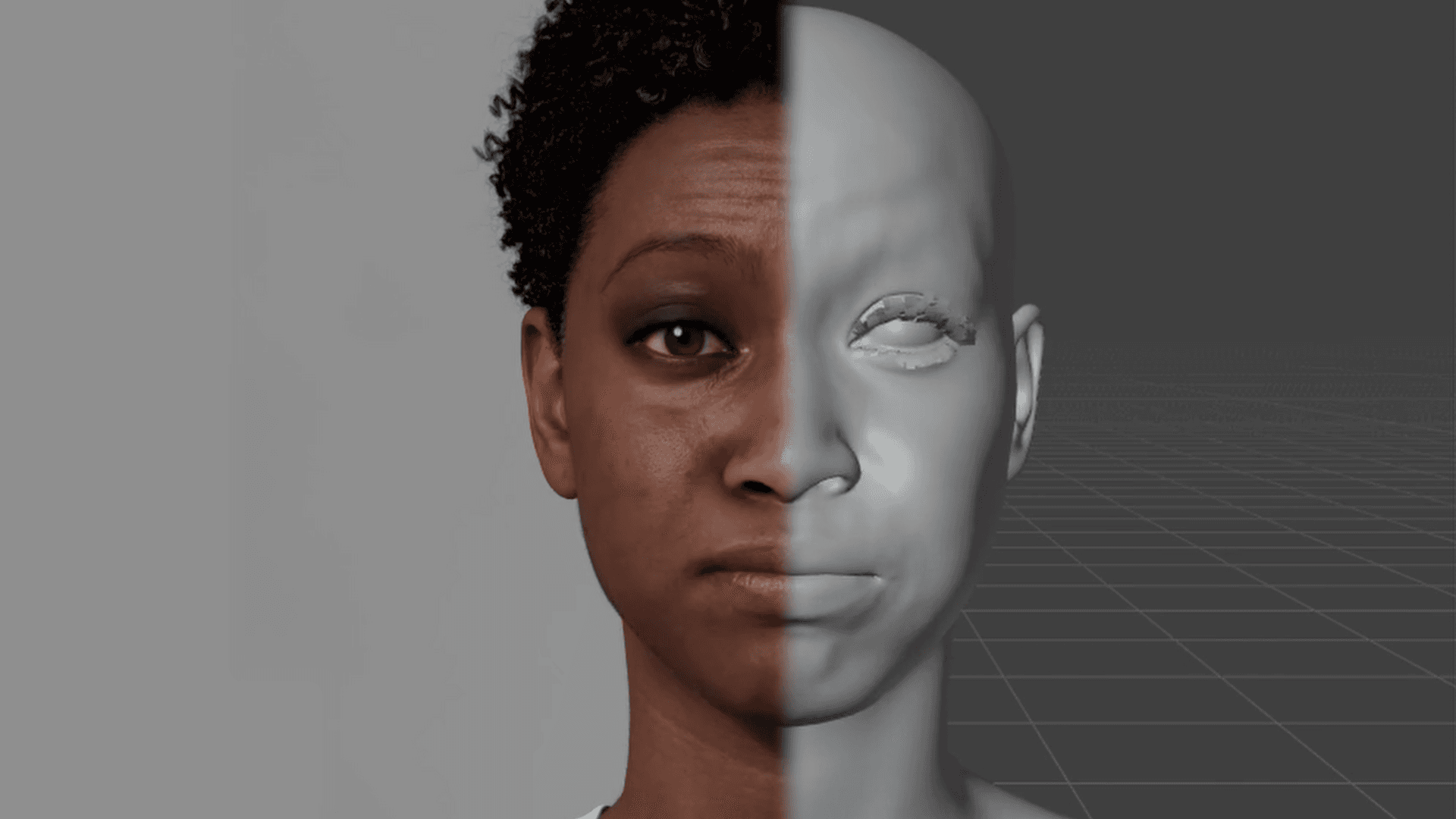
Character Assembly builds the material graphs and connects the exported textures for skin, eyes, teeth, grooms, and fabric. That includes the head wrinkle maps driven by OpenRigLogic, so the material response remains connected to the facial performance.
For look development, bundled HDRI environments include a rotation control to adjust the lighting around your character. You can also import camera and render settings as a starting point for the shot, then refine the framing and lighting for your cinematic. Outfit occlusion culling lets you hide body geometry beneath clothing to prevent poke-through.
MetaHuman Hair Simulation in Blender with Geometry Nodes and XPBD
Grooms arrive as native Blender curves. Character Assembly maps the Unreal physics settings onto a Geometry Nodes setup with proxy collision objects for the simulation.
The initial release of Character Assembly coincides with the introduction of Blender's XPBD solver. Because XPBD is available only in Blender 5.2 and later and is fundamental to this integration, Character Assembly supports Blender 5.2 LTS and later.
3.7x Faster MetaHuman Rig Evaluation with OpenRigLogic
Even as we launch a new addon, Character DNA is still getting some love. We redesigned and rewrote our OpenRigLogic integration in Character DNA. MetaHuman rigs now evaluate 3.7x faster, and the integration evaluates correctly in both simulation and rendering contexts. No more baking!
Existing Rigs Need a One-Click Migration
This is an upgrade notice! MetaHuman rigs already saved in your .blend files need to be upgraded to use the new
integration. When legacy data is detected, a one-click Legacy migration operator
appears in the 3D Viewport sidebar.
Follow these steps. Update Character DNA to latest, open your existing file, run that operator, and save the migrated file.
This is the final RigLogic integration upgrade during the beta and locks in the v1 implementation.
How to Get Started with MetaHumans in Blender?
Grab Character DNA for free for our 1-to-1 MetaHuman runtime integration in Blender, then install the Poly Hammer Interchange plugin, also free, in Unreal Engine 5.8 or later. Together, these tools remove the barriers for correct data exchange in a Blender MetaHuman workflow.
If you want to save the time and effort of assembling the data in Blender and authoring complex Geometry Nodes setups and material graphs, support us by purchasing the Character Assembly addon and supercharge your MetaHuman cinematic workflow today!